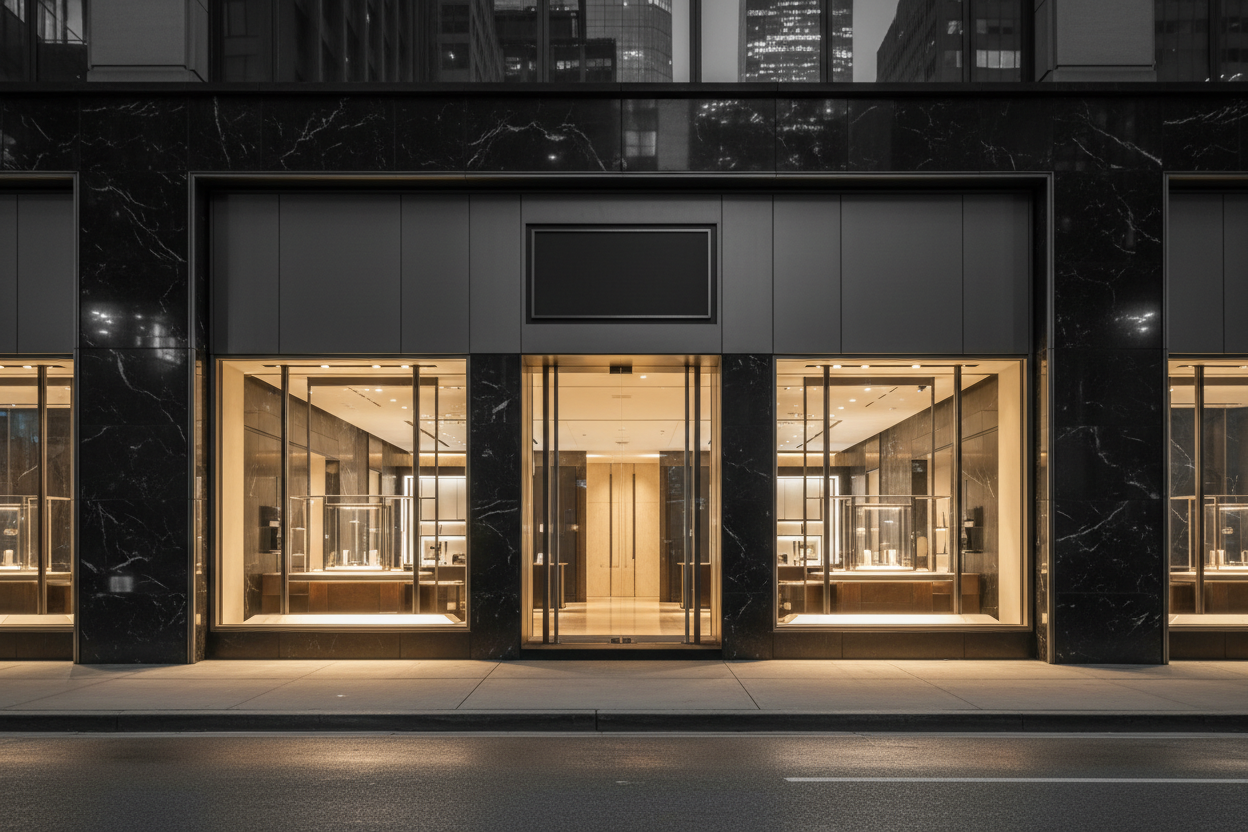
Retail & Facility Enrollment
Get Your Location Covered for Repairs
Enroll a retail store, office, clinic, or any commercial facility with White Management and submit repair requests through WhiteBench, the platform we use to dispatch qualified providers and track every work order.
One Place For Repairs
Report a repair once. Dispatch, vendor assignment, and status updates stay attached to the location.
Retail And Facility
Storefronts, offices, clinics, restaurants, and mixed-use properties all enroll the same way.
Invite-Based Access
The client admin receives an invite key by email. An on-site manager can be invited to a single location only.
Enroll Through WhiteBench
One location per application. No account needed to start.
The enrollment form is public. Fill it out for the retail store, office, clinic, or facility you want serviced, and White Management emails the invite keys that open the portal for that location.
WhiteBench Retail & Facility Enrollment
Enroll the location, then request repairs from the portal.
The form opens in WhiteBench so the location record, the invite keys, and every future repair request stay in the same system White Management uses to dispatch and track the work.
Already a White Management client?
If the company name matches an existing client, a White Management admin reviews the application before invites go out, so the same brand does not end up with duplicate records.
Enrollment workflow
Submit the enrollment form. No account is required to apply.
A dedicated client record is created for the location. If the company name looks like an existing client, White Management reviews the application before anything is created.
Invite keys are emailed to the client admin and, if provided, the on-site manager.
Create the WhiteBench account with the invited email and the one-time invite code.
Submit repair requests for the location and follow every work order in the portal.
Need service before enrolling?
A one-off service request does not require a location record. Use the service request form and White Management will follow up directly.
Request Service
